Video is the highest-converting content format on every platform. Instagram Reels, TikTok, YouTube Shorts, Facebook Video Ads — they all outperform static images and text posts by 2x to 10x in engagement. You know this. Everyone knows this.
So why aren't you making video ads?
Because video production is expensive, time-consuming, and requires skills most solopreneurs don't have. Hiring a freelance video editor costs $50 to $200 per video. Learning Premiere Pro or DaVinci Resolve takes weeks. Even "simple" tools like Canva Video or InVideo still require you to storyboard, source footage, write scripts, time transitions, and export in the right format.
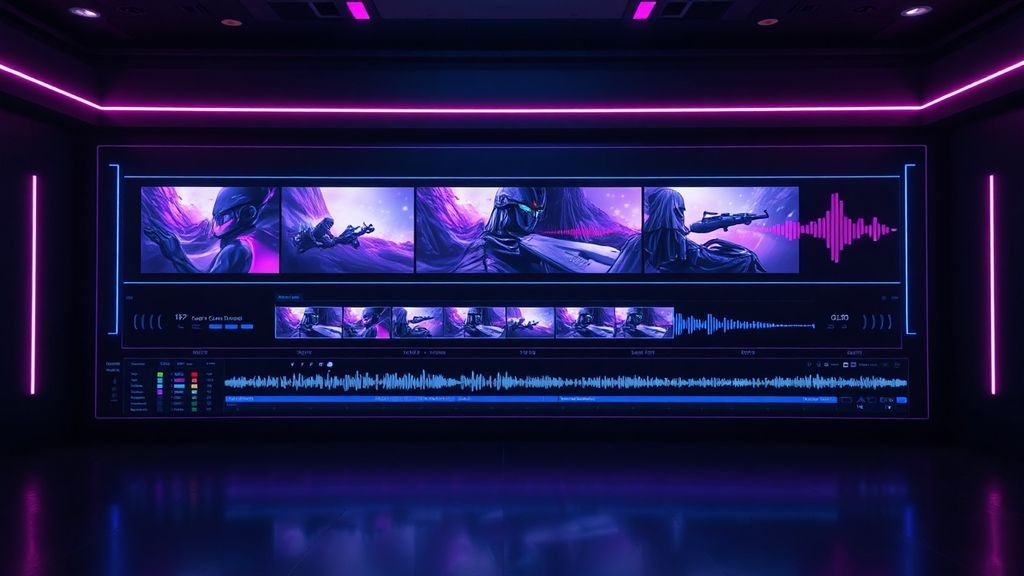
Reel Studio eliminates all of that. Describe what you want. The AI builds it. You review, tweak, and publish. Total time: under 10 minutes.
How Reel Studio Works
Reel Studio is a built-in module in Bot Commander — not a separate app, not a browser tool, not a subscription. It's in your sidebar, right next to your CRM and AI agents.
Step 1: The Creative Brief
Tell Reel Studio what you want. This can be as simple as a single sentence:
- "Create a 30-second ad for Bot Commander targeting freelancers who are overwhelmed with admin work"
- "Make a product demo reel showing the CRM, accounting, and website builder features"
- "Build a testimonial-style video about how AI agents save solopreneurs 20 hours a week"
Or you can get detailed: specify the tone (professional, casual, urgent), the target platform (Instagram Reels, YouTube Shorts, Facebook), the call-to-action, and even the color palette. The more context you give, the more tailored the output.
Step 2: AI Script Generation
Reel Studio's AI writes the script — scene by scene. Each scene gets a description of the visual, the voiceover text, the on-screen caption, and the timing. You review the script before anything gets rendered. Don't like scene 3? Tell the AI to rewrite it. Want to add a scene? Say so. The script is fully editable.
This is where Giselle (your Marketing Manager) can collaborate. Tell her your campaign goals and she'll brief Reel Studio with messaging that aligns with your overall marketing strategy. The agents work together — that's the whole point of having a team.
Step 3: Scene Generation
Once the script is locked, Reel Studio generates visuals for each scene using AI image generation. These aren't generic stock photos — they're custom images created from the scene descriptions, matching your brand colors and visual style.
You can also upload your own images or screenshots for any scene. Want to show a real screenshot of the Bot Commander dashboard? Drop it in. Want AI-generated visuals for the conceptual scenes and real screenshots for the product demo? Mix and match.
Step 4: Voiceover
Reel Studio generates voiceover for each scene using text-to-speech. Choose from multiple voice options — male, female, different accents and tones. The voiceover is timed to match the scene duration, with natural pacing and emphasis.
Don't want voiceover? Skip it. Some of the best-performing short-form videos use captions only, with background music. Reel Studio supports both approaches.
Step 5: Captions & Music
Every scene gets auto-generated captions — the kind that pop up word-by-word in the style that dominates social media right now. Font, size, color, and position are all configurable. Captions are critical for accessibility and for the 85% of social media users who watch videos with the sound off.
Background music is added from a library of royalty-free tracks. Choose the mood — upbeat, cinematic, chill, corporate — and Reel Studio selects a track that fits. Volume auto-adjusts around the voiceover so nothing competes.
Step 6: Render & Publish
Hit render. Reel Studio compiles everything — scenes, voiceover, captions, music, transitions — into a finished video file. The output is saved to your Reel_Studio/ folder locally. From there, upload it to any platform: Instagram, TikTok, YouTube, Facebook, LinkedIn, or your own website.
What This Replaces
Let's map the traditional video production workflow against Reel Studio:
- Scriptwriting: Hire a copywriter ($100–$300) → AI generates it in 30 seconds
- Storyboarding: Sketch scenes, plan shots (2–4 hours) → AI creates scene-by-scene breakdown instantly
- Footage sourcing: Film or buy stock footage ($50–$500) → AI generates custom visuals or use your own screenshots
- Voiceover: Hire a voice actor ($50–$200) or record yourself → AI text-to-speech, multiple voices
- Editing: Premiere Pro, 4–8 hours of work → Automated assembly with transitions
- Captioning: Manual or Rev.com ($1.50/min) → Auto-generated, styled, timed
- Music licensing: Artlist or Epidemic Sound ($15–$17/mo) → Built-in royalty-free library
Traditional cost per video: $200–$1,000+ and 1–3 days of work. Reel Studio cost: $0 additional (included in Bot Commander). Time: 10 minutes.
Why This Matters for Solopreneurs
The solopreneurs who win on social media aren't the ones with the best products — they're the ones who show up consistently with content that stops the scroll. Video is the format that does that. But until now, consistent video production has been a luxury reserved for businesses with budgets.
Reel Studio democratizes that. You can produce a new video ad every day if you want to. Test different hooks, different CTAs, different audiences. A/B test at a pace that would bankrupt a traditional production budget. The marginal cost of each additional video is effectively zero — just your time describing what you want.
"The best marketing strategy for a solopreneur isn't perfection — it's volume. Create more, test more, learn faster. Reel Studio makes the 'create more' part effortless."
Real Use Cases
Here's what Bot Commander users are creating with Reel Studio:
- Product demo reels — 30-second walkthroughs of specific features, posted to Instagram and TikTok
- Testimonial-style ads — AI-narrated stories about how the product solves real problems
- Educational content — "Did you know?" style videos about AI business automation
- Launch announcements — new feature releases with visual demos and CTAs
- Retargeting ads — short, punchy videos for people who visited the website but didn't convert
Each one takes 5 to 15 minutes to create. No video editing experience required. No freelancer invoices. No waiting 3 days for revisions.
Getting Started
Open Bot Commander. Click Reel Studio in the sidebar. Describe your first video. Review the script. Hit render. You'll have a finished video ad in your Reel_Studio folder before your coffee gets cold.
The hardest part of video marketing was always making the video. That excuse is gone now.