You downloaded Bot Commander. It's sitting on your desktop. Now what?
This walkthrough takes you from a fresh install to your first closed deal — step by step, no fluff. By the end of this afternoon, you'll have a live website, a CRM full of contacts, an AI sales team writing outreach, and a pipeline tracking your first real opportunity. Let's go.
Step 1: Install and Launch (5 Minutes)
Download Bot Commander from botcom.ai and run the installer. It works on Windows, macOS, and Linux. The app is self-contained — no Docker, no Python environments, no terminal commands. Double-click and you're in.
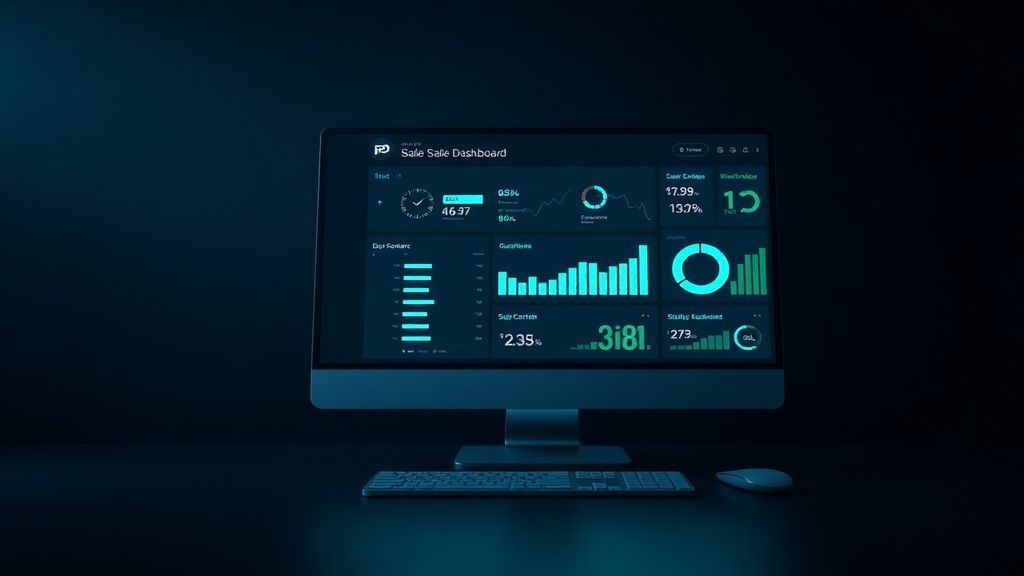
On first launch, you'll see the Command Center — your operational dashboard. It shows system status, quick-launch buttons for every module, and your session uptime. Think of it as mission control for your business.
The first thing Bot Commander will ask you is to connect an AI provider. You'll need an API key from at least one LLM provider — OpenAI, Anthropic, Google, or any of the 15+ supported models. Paste your key in Settings → LLM Providers and you're live.
"Pro tip: Start with one provider. You can add more later and assign different models to different agents based on the task complexity."
Step 2: Set Up Your Profile (3 Minutes)
Go to Settings → My Profile. Tell Bot Commander who you are: your name, your business type, your stage (starting, growing, scaling), and your biggest bottleneck. This isn't busywork — your COO agent (Astra) uses this context to personalize every recommendation, every briefing, and every agent interaction.
If you're a freelance web designer struggling with lead generation, Astra will prioritize sales and marketing agents. If you're a SaaS founder focused on content marketing, she'll lean on the Content Writer and Social Media Director. The profile shapes the entire experience.
Step 3: Deploy Your AI Team (2 Minutes)
Open the AI Bot Team panel from the sidebar. You'll see 16 available agents — each with a name, title, and specialty. You don't need all of them on day one. For your first sale, deploy these four:
- Tommy (Sales Manager) — he'll write your outreach, manage your pipeline, and help you close
- Kit (Web Designer) — he'll build your website so you have somewhere to send prospects
- Giselle (Marketing Manager) — she'll create your positioning and messaging
- Maren (Content Writer) — she'll write your proposals, emails, and follow-ups
Click Deploy on each one. They're ready in seconds. Each agent gets their own chat window where you can give them direct instructions, or you can talk to Astra and she'll delegate to the right person automatically.
Step 4: Build Your Website (20 Minutes)
Open the Website Studio panel. This is a guided six-phase process that takes you from zero to a deployed website:
- Domain — already have one? Enter it. Need one? Bot Commander walks you through procurement.
- Hosting — connect your cPanel, DigitalOcean, or any SSH-accessible host. Paste your credentials once and Bot Commander stores them in the encrypted Security Vault.
- Brand Brief — answer a few questions about your audience, tone, and visual preferences. This generates a brand guide that every agent follows.
- Pages & Content — tell Kit what pages you need. A homepage, about page, services page, and contact form is a solid start.
- Build — Kit designs and codes every page. You review in the built-in browser. Request changes in plain English until it's perfect.
- Deploy — one click publishes everything to your live domain via SFTP.
Twenty minutes. A professional, responsive, SEO-optimized website. No Squarespace subscription. No WordPress plugins. No templates that look like everyone else's.
Step 5: Set Up Your CRM (10 Minutes)
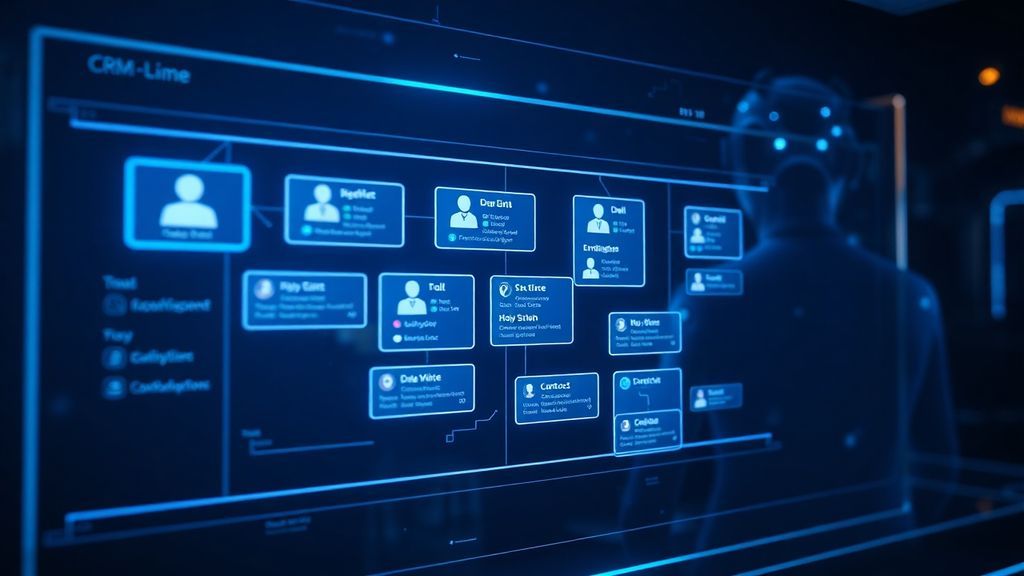
Open the CRM panel. This is your contact database, deal pipeline, and activity log — all in one place, all stored locally on your machine.
Start adding contacts. You can do this manually, or tell Astra: "Add Sarah Jones from TechCorp, sarah@techcorp.com, met her at a conference last week." The AI will create the contact, research her company, and fill in any missing details it can find online.
Set up your pipeline stages. The default is Lead → Qualified → Proposal → Negotiation → Won → Lost. You can customize these, but the defaults work for most solopreneurs starting out.
Now create your first deal: "Create a deal for Sarah Jones — Website Redesign, $5,000, currently in Lead stage." It shows up on your Kanban board immediately.
Step 6: Write Your Outreach (15 Minutes)
This is where Tommy earns his keep. Open Tommy's chat and tell him what you're selling, who you're selling to, and what makes you different. He'll generate:
- A cold email sequence — 3 to 5 emails, spaced over two weeks, with personalized subject lines and clear CTAs
- A LinkedIn connection message — casual, value-first, not salesy
- A follow-up template — for after the first response
- A proposal outline — that Maren can flesh out into a full document
Review the copy. Edit anything that doesn't sound like you. Then use your email client to send the first batch — or connect Bot Commander's email integration to send directly from the app.
Step 7: Track, Follow Up, Close (Ongoing)
As responses come in, update your CRM. Move deals through the pipeline. Log every call, email, and meeting as an activity. Set reminders for follow-ups: "Remind me to follow up with Sarah on Thursday at 2pm."
When a prospect is ready for a proposal, tell Maren: "Write a proposal for Sarah Jones — website redesign, $5,000, 4-week timeline, includes design, development, and one month of support." She'll produce a polished document you can send as a PDF.
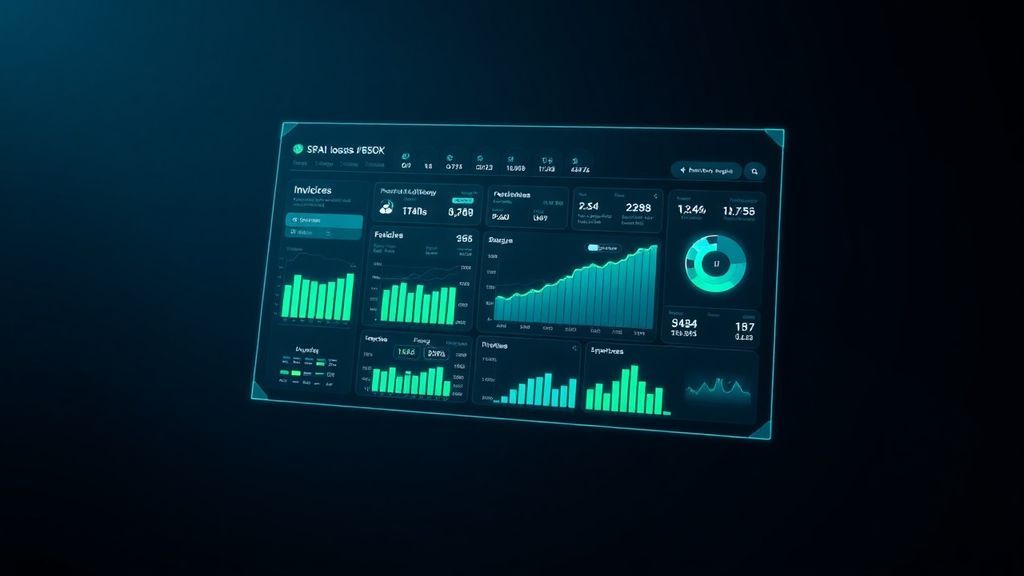
When the deal closes, drag it to Won in your pipeline. Open the Accounting panel and record the income. Create an invoice. Your P&L updates automatically.
What You Just Built in One Afternoon
Let's take stock of what you now have:
- A live website on your own domain — professional, responsive, SEO-ready
- A CRM with contacts, deals, and activity tracking — no monthly fee
- A sales pipeline with your first real opportunity in it
- A cold outreach sequence written by an AI sales specialist
- A proposal template ready to customize for each prospect
- An accounting system tracking your first invoice
- A team of 4 AI agents ready to scale with you
Total cost of additional software: $0. Total time: one afternoon. Total monthly SaaS subscriptions replaced: at least 5.
That's the difference between using AI as a toy and using it as infrastructure. Bot Commander isn't a chatbot you ask questions to. It's the operating system for your entire business — and you just proved it works by closing your first deal with it.
What's Next?
Deploy more agents as you need them. Set up your Daily Briefing so Astra gives you a morning status report. Connect your crypto wallet if you're in that space. Start using Reel Studio to create video ads. The platform grows with you.
But don't overthink it. The best next step is always the same: go close another deal.