
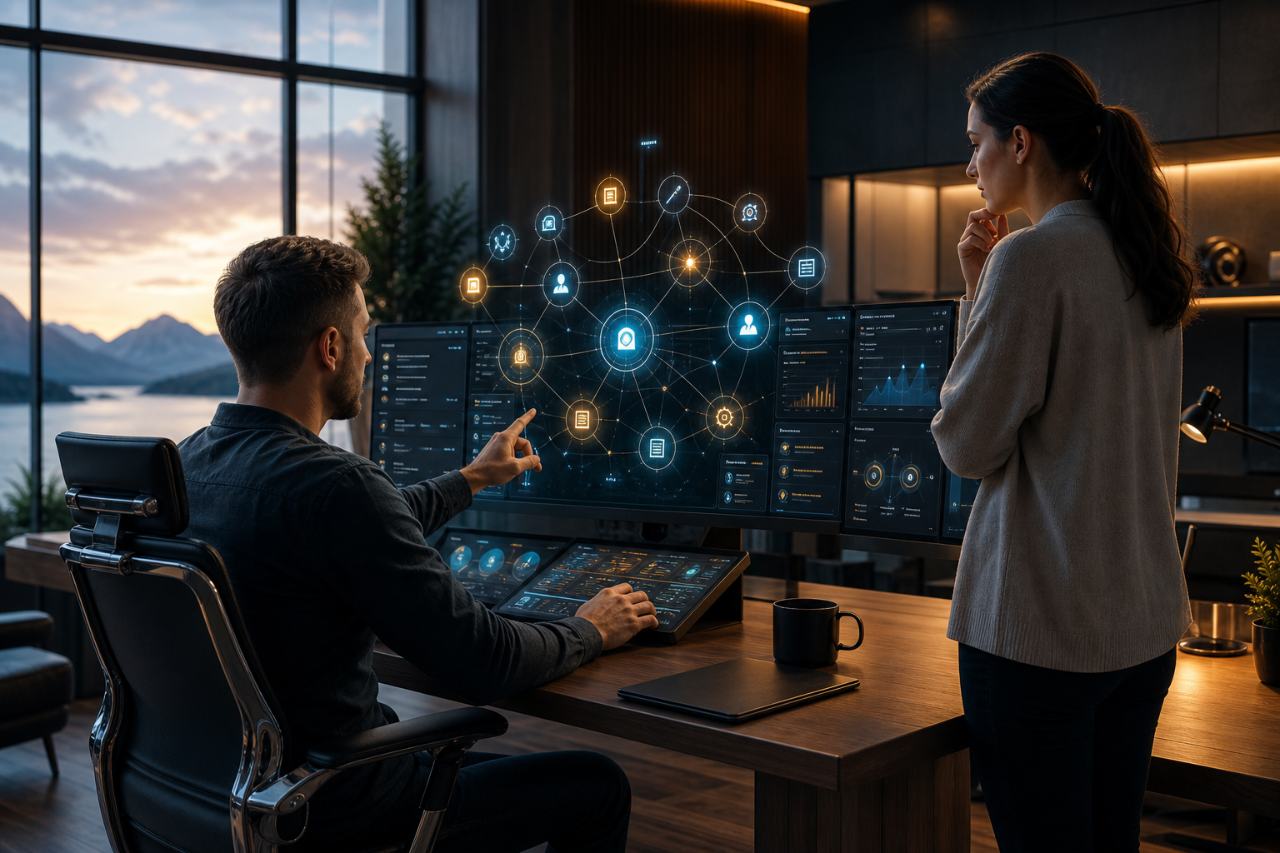
Bot Commander v0.2.341 is here, and this is much more than another routine update.
The complete Bot Commander AI Home & Business Automation System is now free for Windows, macOS, and Linux. There is no required Bot Commander subscription and no set of application features reserved for a paid tier. You can organize your home, run a business, coordinate an AI team, create content, manage customers, build campaigns, and connect the AI providers you choose from one unified command center.
This release also marks the first detailed public roundup since the v0.2.335 era. A great deal has changed along the way: the Command Center has been rebuilt, voice interaction is more natural, browser and computer control have grown more capable, Marketing has become a serious operating system of its own, personal and household tools now live beside business operations, and Bot Commander has introduced the AI Academy, the Astra Alliance, and its first playable 3D environments.
Here is the complete picture.
Bot Commander Is Now Free
Powerful AI should not be limited to a select few.
Instead of placing the full system behind another mandatory software subscription, Bot Commander has adopted the Value-for-Value model. Everyone can use the complete application. If Bot Commander provides useful value, you are invited to return value through your Time, Talent, or Treasure.
That participation is voluntary. The application remains free whether or not you contribute.
You still choose which AI providers and outside services you connect. Those providers may charge their own API, model, storage, or service fees, but Bot Commander itself does not lock its home or business capabilities behind paid feature tiers. It is also AI-agnostic: you are not forced to build your life or business around one AI company, one model, or one cloud.
One Command Center for Home, Business, and AI
Bot Commander has evolved from a collection of capable AI tools into one coordinated operating system for getting things done.
The redesigned Command Center brings your named Bot Commander, specialized AI crew, navigation, conversations, live work, voice state, business tools, and operational intelligence into one workspace. The interface has been refined across dark, light, and adjustable glass themes, with more consistent panels, typography, controls, backgrounds, and responsive behavior.
Bot Commander can now serve as the central system for a wide range of practical work, including:
- AI conversations, memory, skills, and agent coordination
- Marketing campaigns, social content, and review workflows
- CRM, sales activity, contacts, and customer follow-up
- Accounting, scheduling, calendars, and task management
- Website operations, content creation, and creative studios
- Research, news, documents, presentations, images, and video
- Personal organization, household information, and mobile access
The goal is not to give you twenty disconnected tools with twenty separate subscriptions. It is to give you one command center that coordinates the tools, AI models, agents, and information you actually use.
Meet Your Bot Commander and Direct Your AI Crew
The relationship at the center of the system is now much clearer.
You are the owner and final authority. The named glowing orb at the center of the application is your Bot Commander—your personal AI assistant, right hand, operating partner, or virtual COO. The specialized AI agents are your crew, organized around the work they perform.
That distinction now carries through first-run setup, the AI Bot Team, the Command Center, and the progression system. You name your personal AI assistant, direct the system, approve consequential actions, and remain in control of public content and important decisions.
The agent runtime has also become more dependable. Delegated work can continue as durable jobs, background activity is easier to inspect, approval boundaries are clearer, and agents are expected to report incomplete or blocked work honestly instead of claiming success when a required action did not happen.
A Real Home Command Center
Business operations are only part of life. Bot Commander now gives personal and household work a first-class place in the same system.
The new My Home workspace includes:
- Grocery List for quantities, completion, and practical household shopping
- My Health for private personal check-ins and notes
- Friends & Family for birthdays, relationships, and useful personal context
- Home Budget for personal financial planning on the desktop
- Personal To-Dos, Calendar information, Contacts, and daily organization
The Grocery List synchronizes in both directions with the paired mobile companion. Add or complete an item on the desktop or phone and the change appears on the other device. The mobile companion also keeps your Bot Commander, Calendar, To-Do List, Contacts, Review Queue, connected tools, settings, and recent chats within reach when you are away from your desk.
Your personal and business information stays under your control instead of being scattered across a dozen unrelated applications.
More Natural Voice, Browser, and Computer Operation
Bot Commander now supports OpenAI Realtime voice alongside its classic push-to-talk and hands-free voice systems. Voice state is coordinated more clearly across the application, with improved Listening, Connecting, Speaking, and Standby feedback, configurable wake phrases, stronger echo protection, better end-of-utterance handling, and more reliable presenter voices for produced content.
Browser Control and Windows Computer Control have also developed into permissioned operating tools. Supported actions remain visible while they happen, protected actions require confirmation tied to the exact proposed step, and blocked operations are reported rather than disguised as completed work.
For longer tasks, improvements to provider continuity, context handling, tool-call recovery, and approval resumption allow Bot Commander to carry more complex work forward without losing the original objective every time a tool or permission checkpoint is involved.
Marketing That Produces, Measures, and Learns
The Marketing system has received one of the largest upgrades.
Campaign creation now supports clear paths for ad testing, short campaigns, and monthly campaigns. Saved business and product information can be reused instead of re-entered for every run. Owner Ideas can provide the exact campaign concepts and headlines to rotate, while Daily Marketing Ops shows production, approvals, publishing state, scheduled work, and campaign learning in one place.
Bot Commander can prepare platform-specific content for Instagram, TikTok, Facebook, YouTube, X, LinkedIn, Discord, and Telegram. Reels, captions, calls to action, tracked links, product context, destinations, and Review Queue records remain connected throughout the workflow.
The system also goes beyond simply generating more posts. Campaign experiments can compare visual styles, message angles, customer jobs, and creative formats. Reporting distinguishes attention signals—such as impressions and clicks—from stronger buyer evidence such as signups, downloads, leads, sales, and revenue. Automatic adaptation is designed to pause when the evidence is missing, stale, contradictory, or too weak to justify a decision.
The result is a marketing workflow built to produce content, preserve owner approval, measure what happened, and improve based on real evidence.
Better Website, Design, and Creative Workflows
Website Studio can now distinguish between creating a new site, redesigning or migrating an existing one, and connecting a site for ongoing management. Guided setup records the platform, host, registrar, content requirements, design goals, preservation risks, and launch constraints before proposing a plan.
WordPress readiness checks, protected sign-in checkpoints, draft and media tools, Site Profiles, website intelligence, and Search Console information give website work a more durable home inside Bot Commander. Credentials remain owner-entered, and consequential hosting, DNS, installation, account, and deployment actions remain approval-gated.
Creative workflows have expanded as well. Image generation, cinematic video, Reel Studio, long-form writing, presentations, and Open Design now work together more consistently. Open Design can validate and export responsive landing pages and pitch decks to clean formats including PPTX, PDF, and PNG.
Learn the System Through the AI Academy
The former Baby Bot progression has become the AI Academy, a learning and achievement path for the human user.
Every user begins as a Cadet. The Academy contains 20 meaningful milestones across ten stages covering orientation, systems training, field training, and command readiness. Progress comes from learning and using Bot Commander: completing setup, holding useful conversations, using skills, building memories, creating real work, and coordinating agents.
Complete every milestone and you graduate as Captain, earning permanent Astra Alliance recognition and unlocking the Captain profile-picture collection. Your named orb remains your Bot Commander throughout; Academy progress and earned rank belong to you.
The Academy is optional. A person who prefers not to complete the milestones can receive permanent Captain recognition through a qualifying $100 Treasure contribution.
Join the Astra Alliance
The Astra Alliance is Bot Commander's built-in community and permanent recognition system.
It brings together builders, creators, entrepreneurs, small-business owners, AI developers, artists, musicians, game and app developers, and curious people exploring the frontiers of AI, business, technology, longevity, creativity, and interactive worlds.
The Alliance dashboard brings together Academy progress, verified Time, Talent, and Treasure contributions, permanent rank, Com Badge identity, Alliance Chat, and eligible legacy recognition. Continued verified contributions can accumulate toward higher Alliance titles.
Alliance recognition is recognition—not ownership, equity, employment, governance authority, or a tax-deductible charitable donation. It is a permanent record of useful value returned to the community.
The Alliance creed is simple: Value Returns Value.
Work When It Is Time to Work. Play When You Need Room to Breathe.
Bot Commander now includes the first version of its Work / Play experience.
Select Play and the normal operational panels clear away, opening a focused 3D viewport. Select Work and the complete Bot Commander workspace returns over the same room and camera position. Select Leave World to unload the room and return to the normal 2D workspace.
Two owned demonstration environments are included with the desktop installer:
- Mountain Lake Office
- Ocean Command Room
They are available immediately without a separate first-use room download. These rooms are an early look at a broader direction: an AI command center does not always have to feel like conventional office software. Sometimes the right place to think, create, or coordinate work is a quiet mountain office or an ocean command deck.
Stronger Privacy, Reliability, and Recovery
Bot Commander remains built around user control. You decide which AI providers to connect, and local AI remains an option as local models continue to become more capable. Personal and business data can remain on your own computer instead of being placed by default into a vendor-controlled cloud workspace.
Operational reliability has improved throughout the system: safer provider routing, stronger result verification, scheduled-job protections, social publishing recovery, clearer connection diagnostics, improved release packaging, and seven rolling nightly snapshots that preserve source, a complete Git bundle, and consistent database backups while excluding credentials and reproducible caches.
The Windows, Apple Silicon macOS, and Debian/Ubuntu Linux release paths have also received extensive signing, packaging, updater, and bundled-runtime work so the same product can be delivered more reliably across platforms.
Available Now
Bot Commander v0.2.341 is available for Windows, Apple Silicon macOS, and Debian/Ubuntu Linux. The matching mobile companion improvements are delivered through the established mobile update channel.
The complete Bot Commander application is free whether or not you contribute through the Value-for-Value model.
If you want one AI command center for your home, business, creative work, community, and growing AI crew, this is the update to try.
Download Bot Commander free at botcom.ai.